Build Your Own PC: The Ultimate Guide to Creating Your Perfect Custom Computer
In today’s fast-paced digital world, one-size-fits-all computers just don’t cut it anymore. Whether you’re a gamer chasing high FPS, a content creator handling heavy edits, a developer running multiple tools, or a professional looking for reliability, building your own PC gives you complete control over performance, budget, and future upgrades.
In this complete guide, you’ll learn why building a custom PC is better than buying pre-built systems, how to choose the right components, and how a custom-built computer can deliver better performance, longer lifespan, and true value for money.
Why Build Your Own PC Instead of Buying a Pre-Built One?
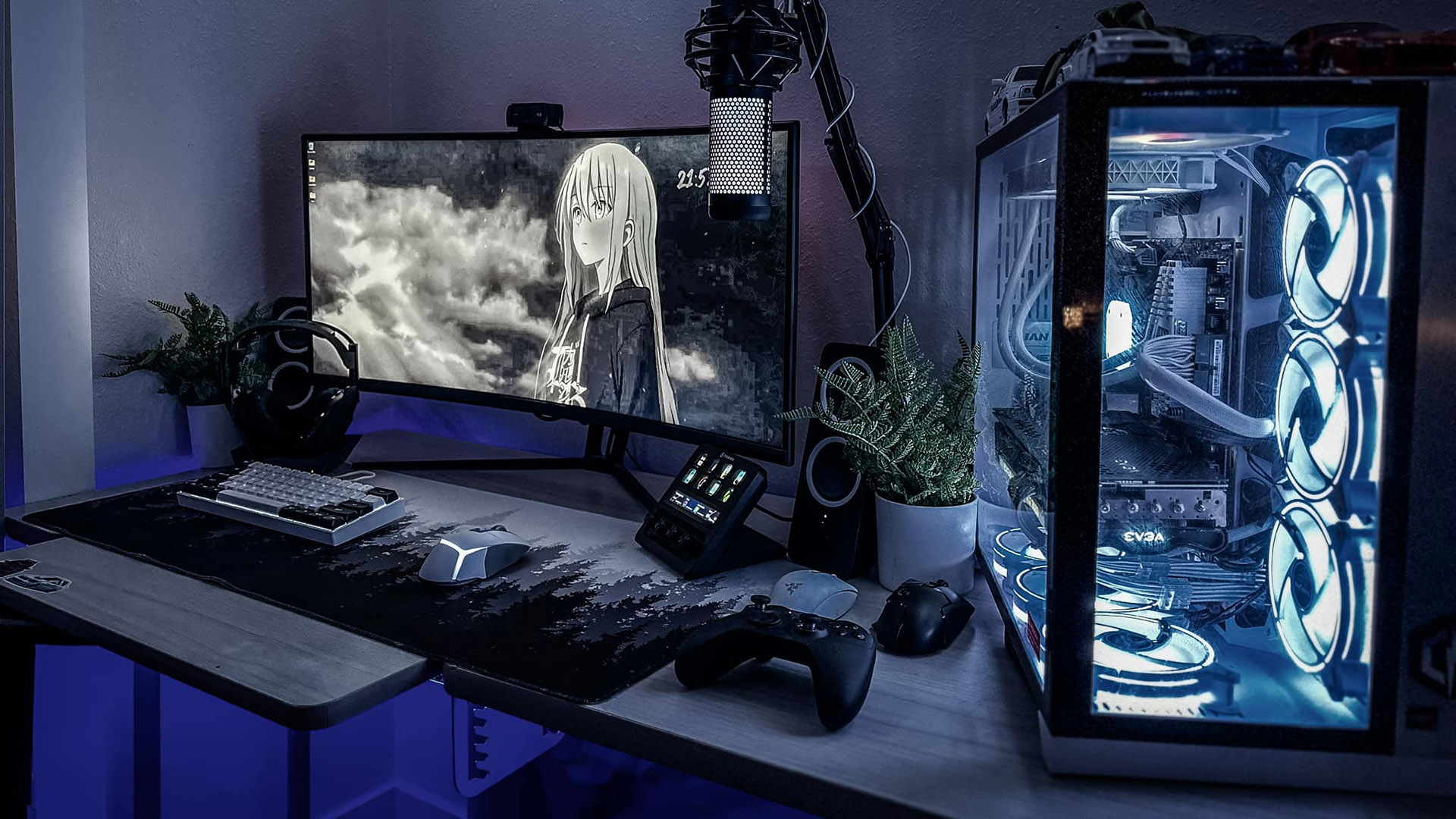
Building a PC isn’t just about assembling hardware — it’s about creating a machine designed exactly for your needs.
Key Benefits of Building Your Own PC
Maximum performance within your budget
Full control over components and brands
Easy upgrades in the future
No unnecessary software or bloatware
Better cooling, airflow, and long-term reliability
With a custom PC build, you’re paying for real performance, not marketing or brand premiums.
Step-by-Step Guide to Building Your Own PC
1. Choose the Right Processor (CPU)
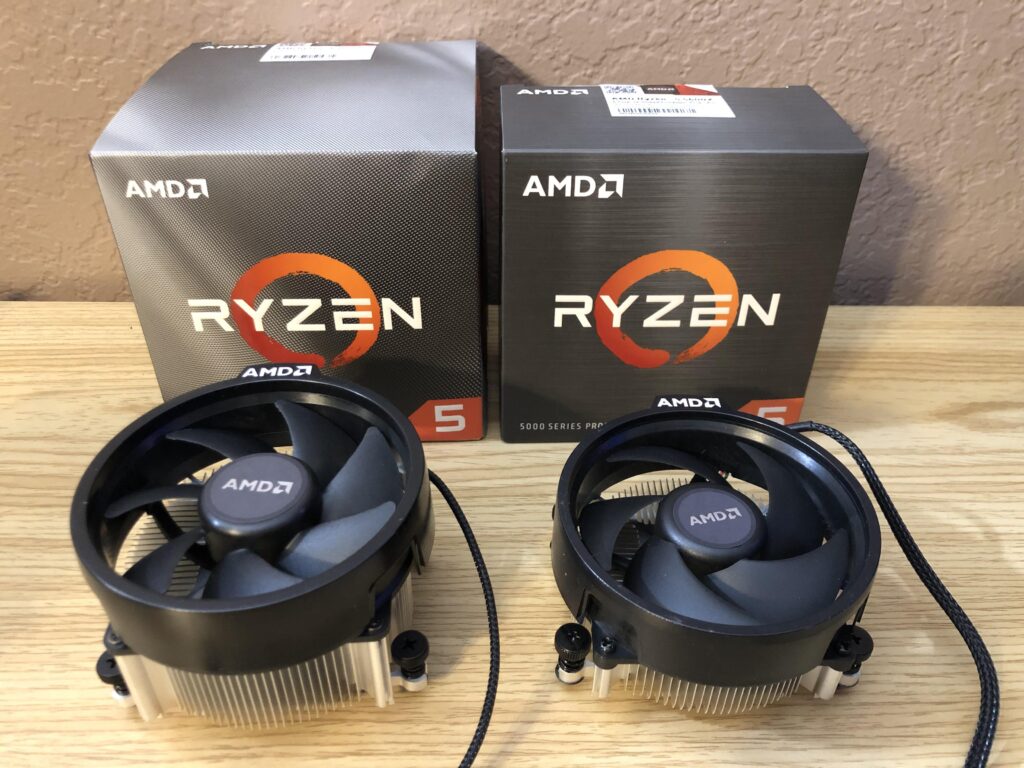
The CPU is the heart of your system and plays a major role in overall performance.
For gaming: AMD Ryzen 5 / Intel Core i5 or higher
For editing, multitasking & productivity: Ryzen 7 / Intel Core i7+
Choosing the right processor ensures smooth gameplay, faster rendering, and responsive multitasking.
2. Select a Compatible Motherboard
The motherboard connects all your components and determines upgrade possibilities.
Make sure it supports your CPU socket
Check RAM slots, PCIe lanes, and storage options for future upgrades
A good motherboard makes your PC future-proof.
3. Pick the Perfect Graphics Card (GPU)
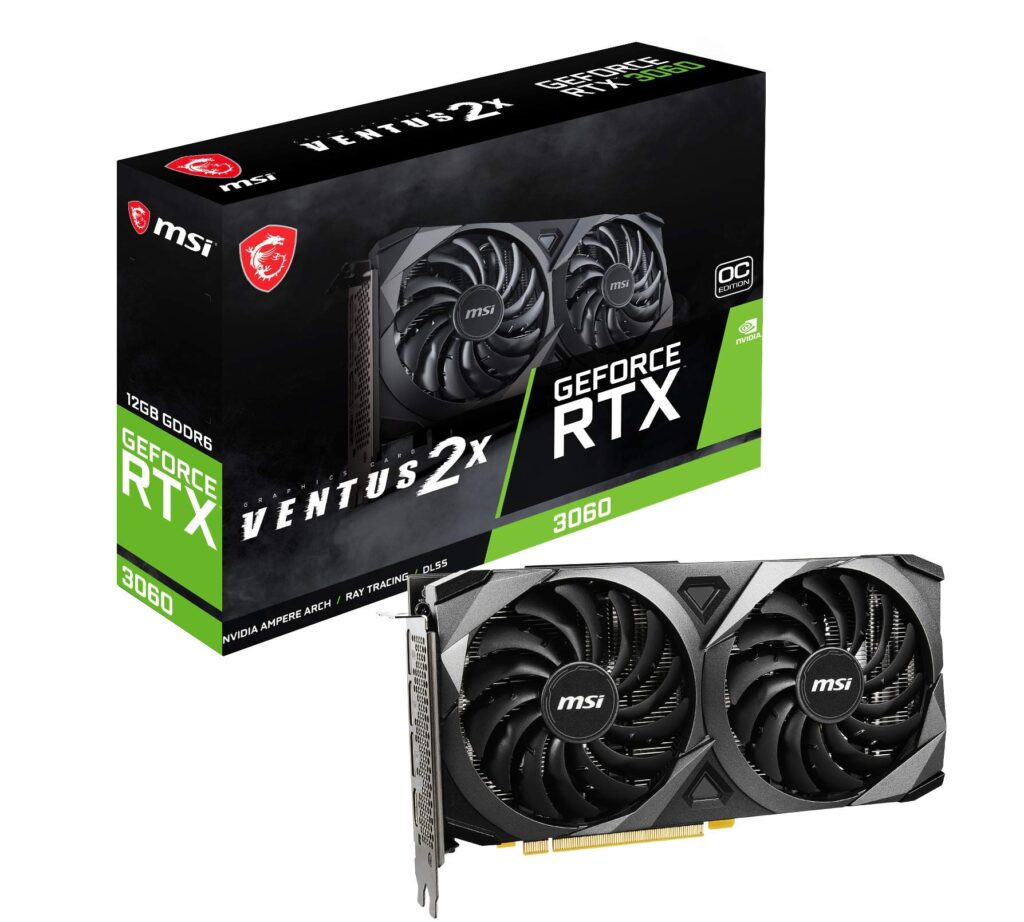
A powerful GPU is essential for gaming, video editing, 3D work, and design tasks.
Entry-level: GTX or RX series
High-end gaming & creators: RTX series for ray tracing and AI performance
Your GPU defines visual quality and performance.
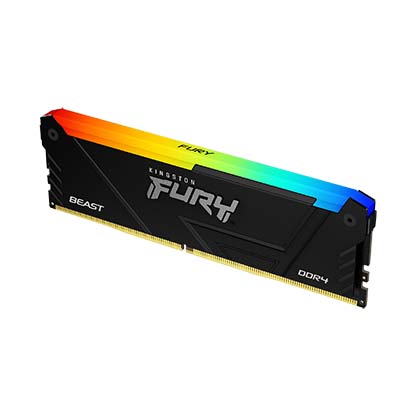
4. RAM – Speed and Capacity Matter
RAM directly affects multitasking and system responsiveness.
Minimum: 16GB DDR4 / DDR5
Recommended for heavy workloads: 32GB or more
More RAM = smoother performance under load.
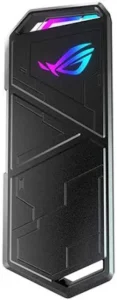
5. Storage – SSD Is a Must
Fast storage improves boot time, loading speed, and overall system feel.
NVMe SSD for OS and main applications
Optional HDD for large data storage
An SSD is the single biggest speed upgrade you can make.
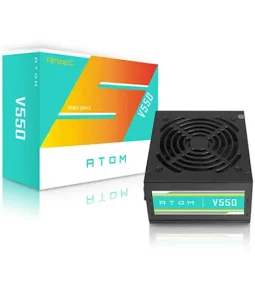
6. Power Supply (PSU)
Never compromise on the PSU — it protects your entire system.
Choose 80+ Bronze or Gold certified power supplies
Select the correct wattage based on your build
A quality PSU ensures stable performance and safety.
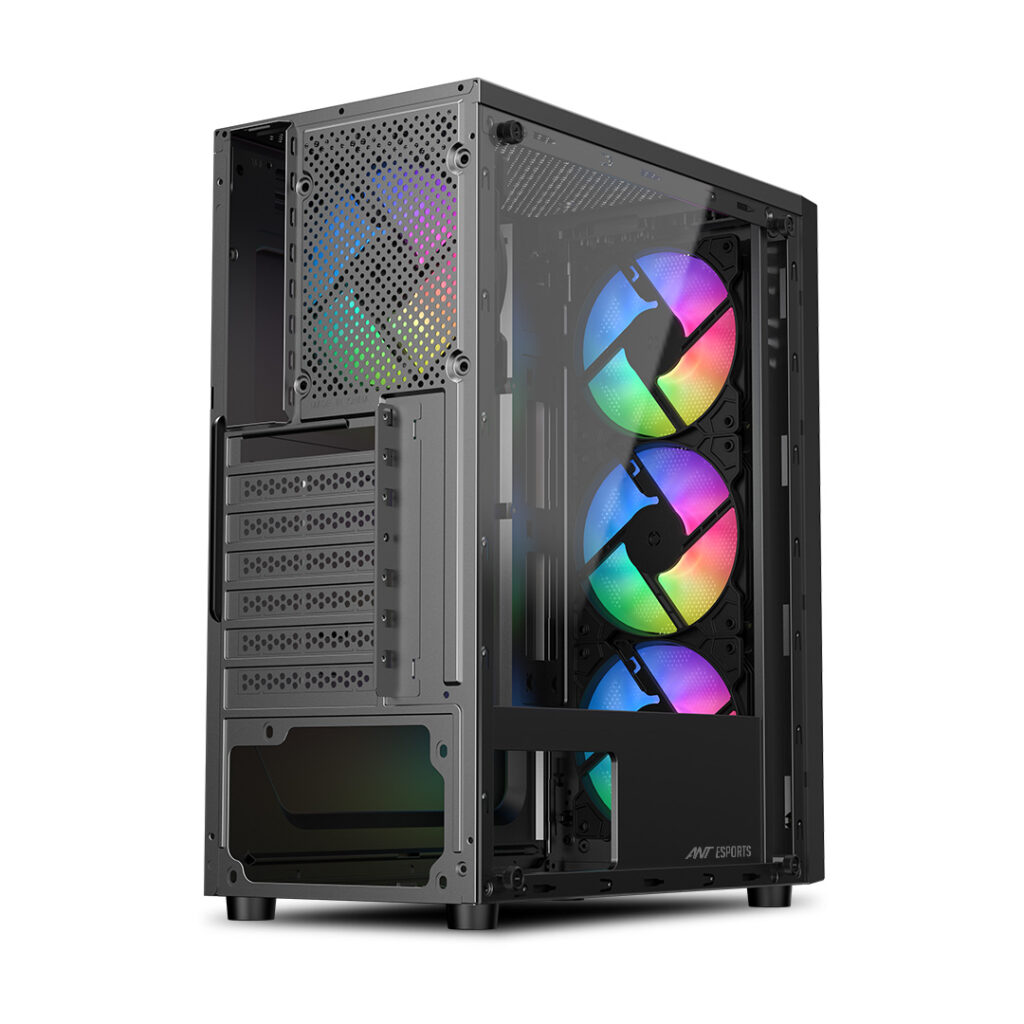
7. Cabinet & Cooling
Good airflow keeps temperatures low and performance high.
Cabinets with mesh fronts for better airflow
Add extra fans or liquid cooling if needed
Better cooling = better longevity.
Build Your Custom PC with Expert Help
Not sure about compatibility or installation? We’ve got you covered.
At Divine Computers, we help you:
Choose the right components
Build gaming PCs, workstations, and professional systems
Get genuine parts with warranty
Enjoy reliable after-sales support
Custom PC Builds | Gaming PCs | Professional Workstations